Menu
-
Find a practice
Find a practice -
Treatments
Treatments -
About us
About us -
Meet the team
Meet the team - Download our app


App set up
Step by step guide on how to set up your app


-
1
When you have downloaded the app, click ‘create your account’ and verify your identity.
-
2
Enter your email address & choose a password to secure your account.
-
3
Enable notifications in the app so you can see when your appointments are scheduled.
-
4
Set up is completed and you can now use the app.
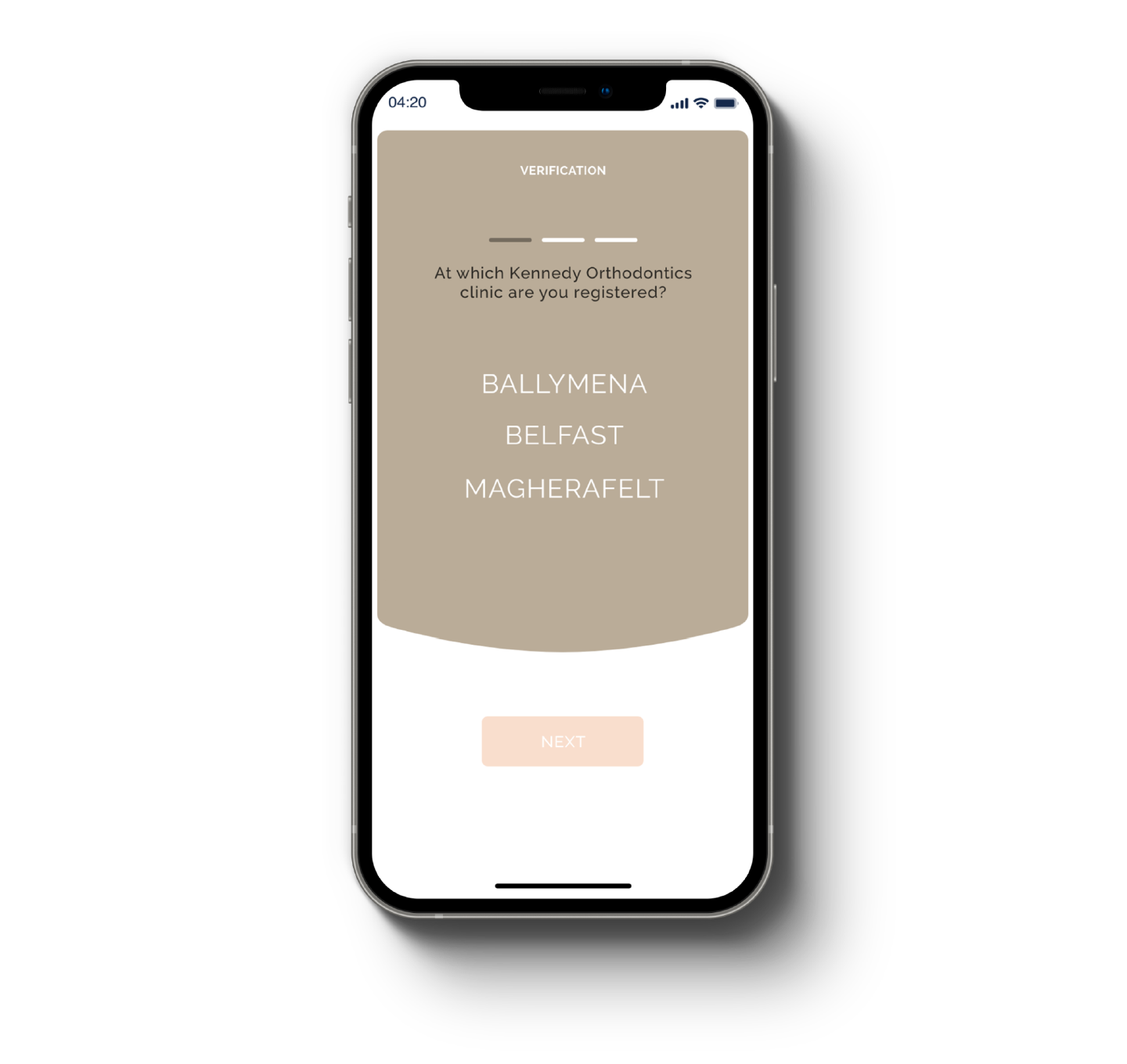
Create your account
Choose which practice you are registered at, confirm your patient ID & date of birth.
Note: If you are a parent/guardian you must register as such at this stage. You cannot return to this stage.
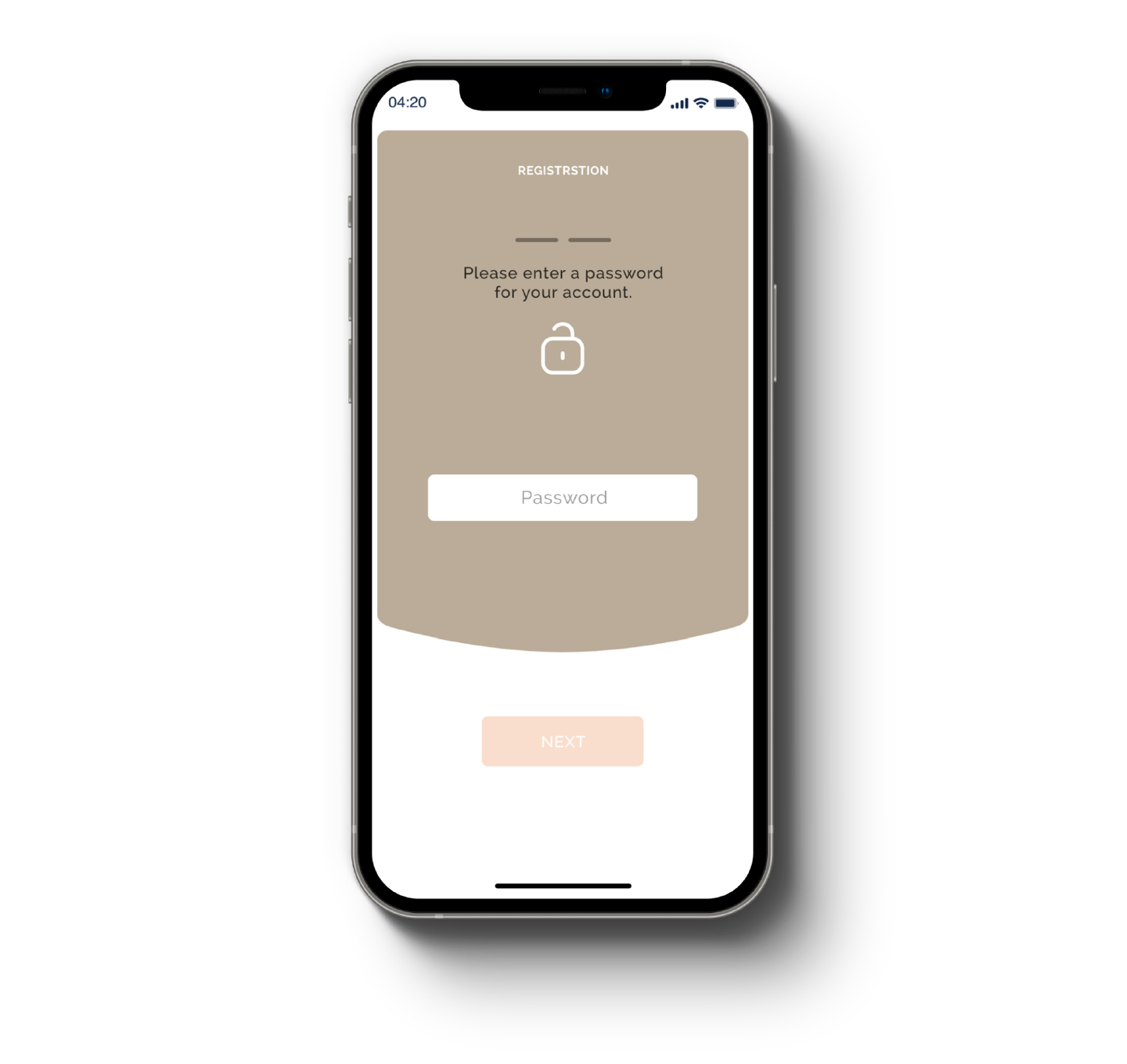
Secure your account
Use your personal email address and choose a strong password to secure your account.
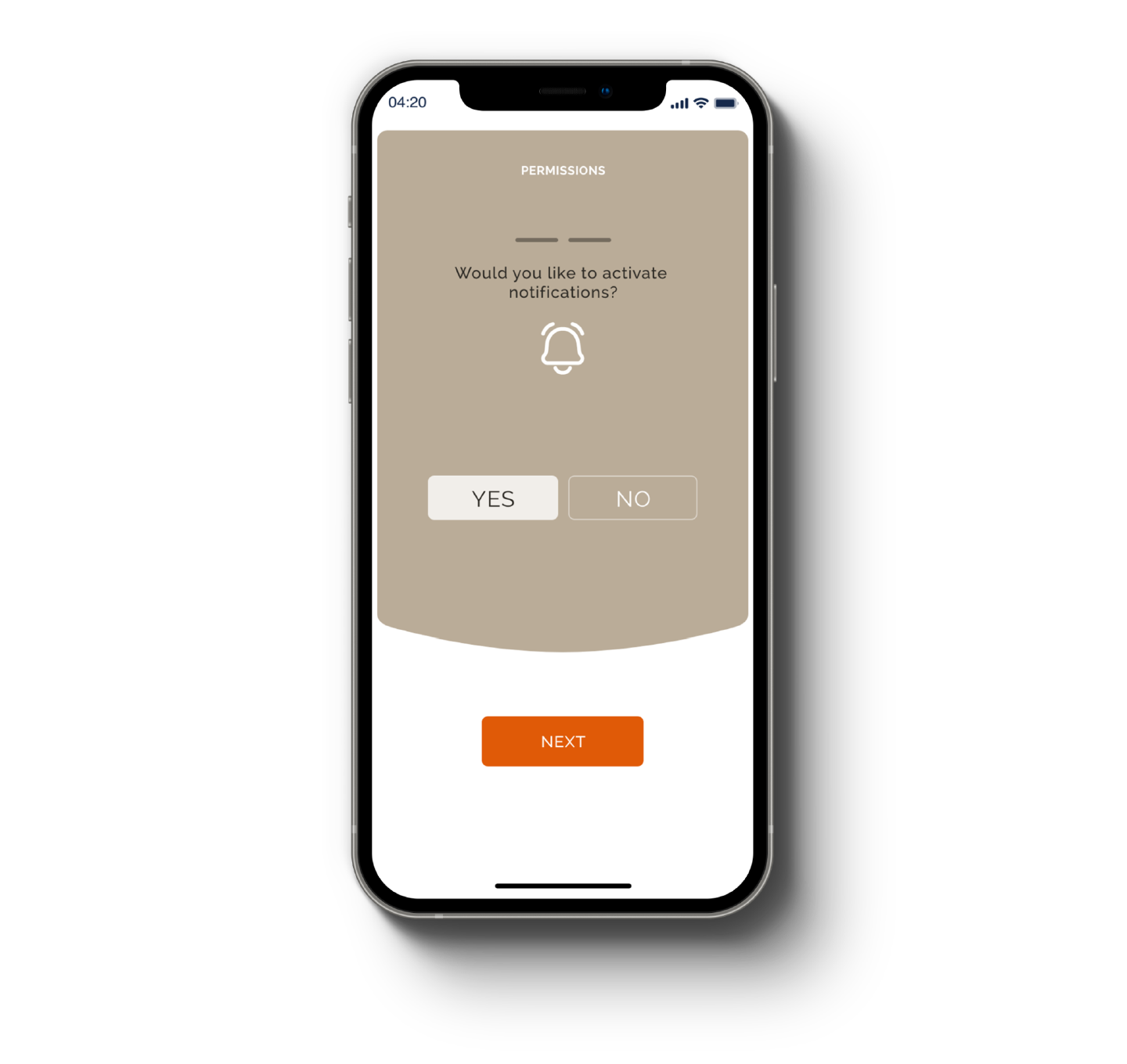
Enabled notifications
Make sure you’ve enabled notifications on your device so you can see when appointments have been scheduled. You must approve appointments to confirm.
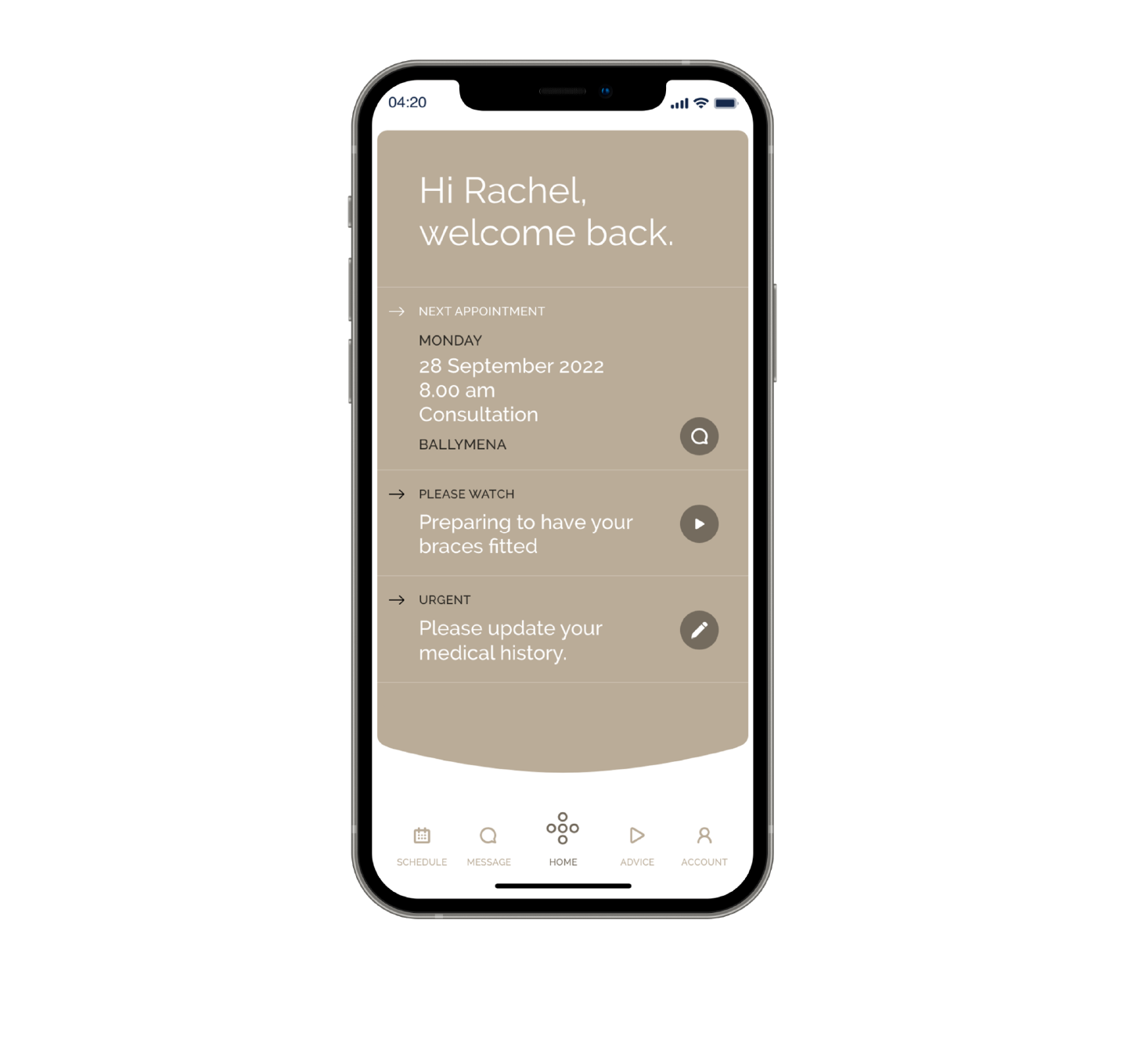
Good to go
You’re all set. You can now use the app to schedule appointments, manage payments, message us and browse our helpful advice.